
How to set up a simple bar?
When you need to have some special activities in your store, such as discounts on certain products. Without appropriate information prompts, customers can easily miss this information.
Now our app allows you to display banners at the top of any page in your store. You can customize its style, content, and more.
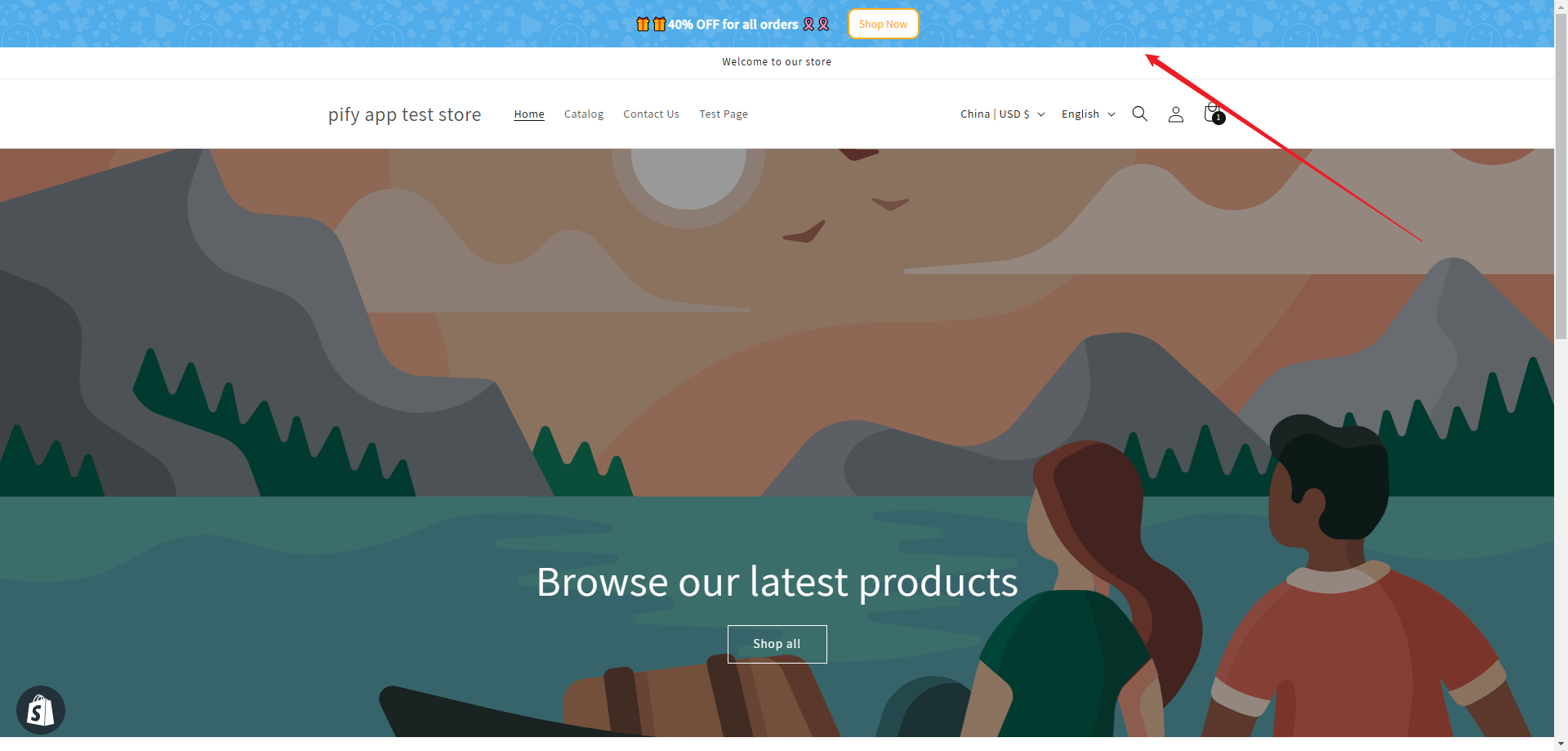
Step1: Enable Theme extension
Please Enable and Save Pify Annoucement App on your theme editor to make it start to work.


Step2:Create a bar that is displayed on all pages
1. Select the template you need, and click "Go to Design".

2. Change the text of the Bar according to your needs.
You need to select Base Information, and then alter the text in Message to change the content within the Bar.

3. Click "Save", you will be able to see this bar on all pages.
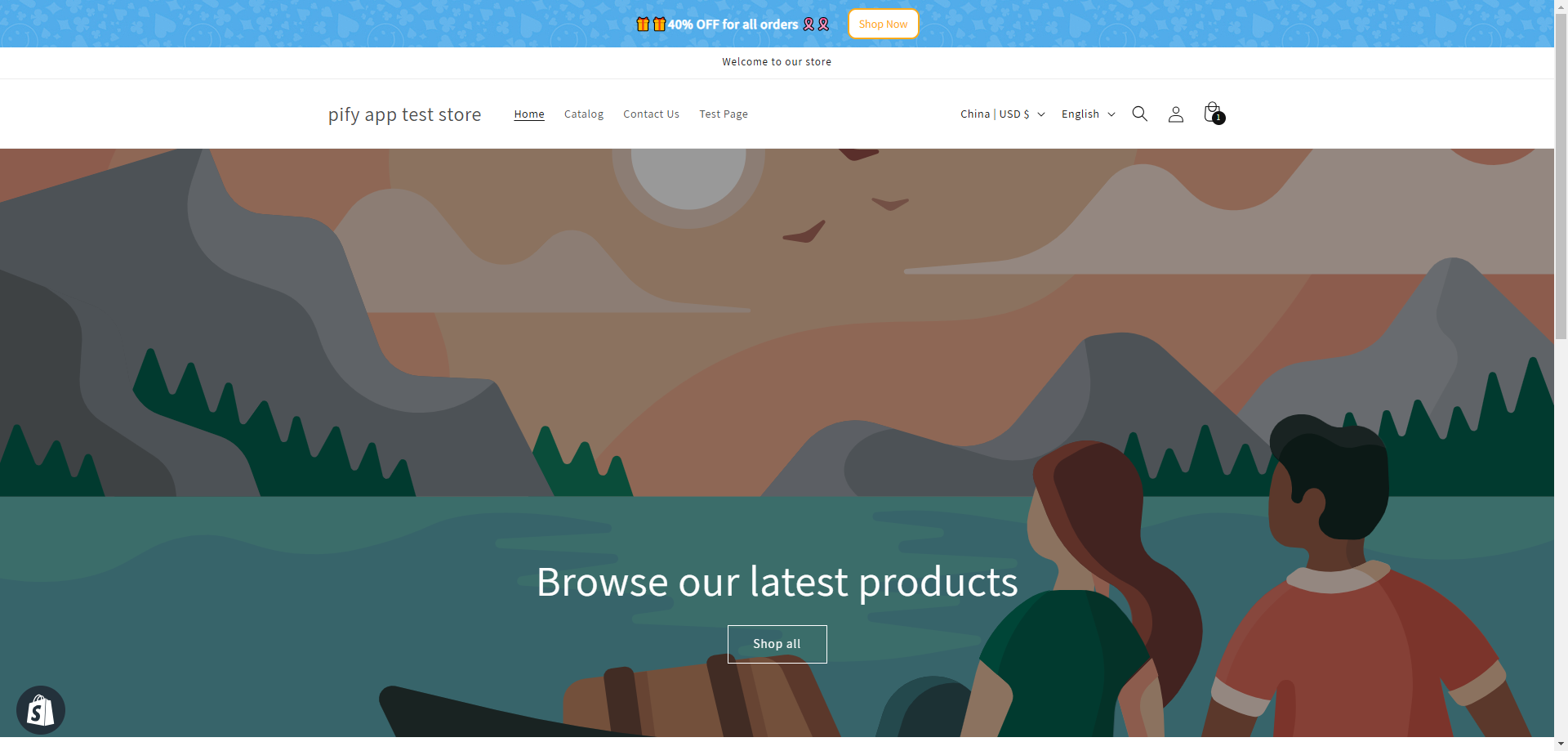
Please note that the bar is displayed on all pages by default. If you need to change the pages it is displayed on, please expand the Targeting Configuration and modify the Page Targeting.

If you would like to learn more about the settings for page targeting, please click here.
If any problem, feel free to contact us for support directly.