
How to display cart attributes in Order Email Templates?
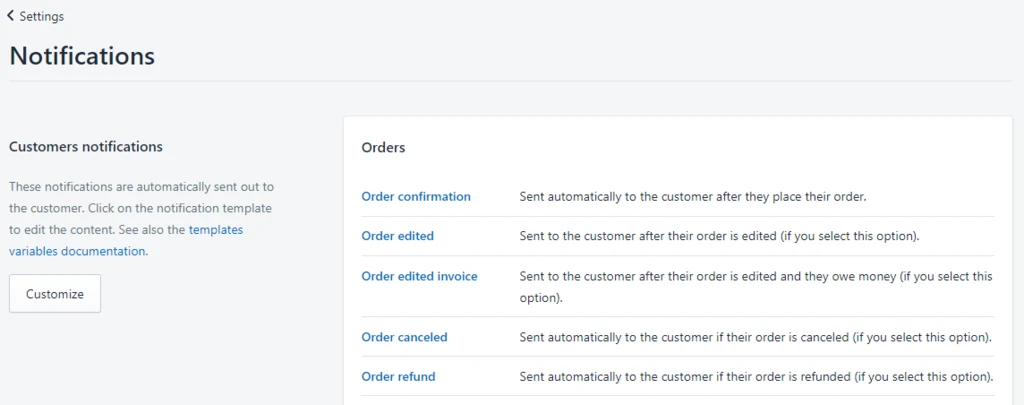
Step1: From your store admin, click Settings -> Notifications. There are some order email templates, typically add to the Order Confirmation Template, also can add to others if you need.
Step2: Copy the snippet code insert into the order template where you want to display the cart attributes.
<p><b>Additional details</b></p> {% for attribute in attributes %} <p>{{ attribute | first }}: {{ attribute | last }}</p> {% endfor %}
If any problem, feel free to contact us for support directly.