
How to display cart attributes in Order Printer Templates?
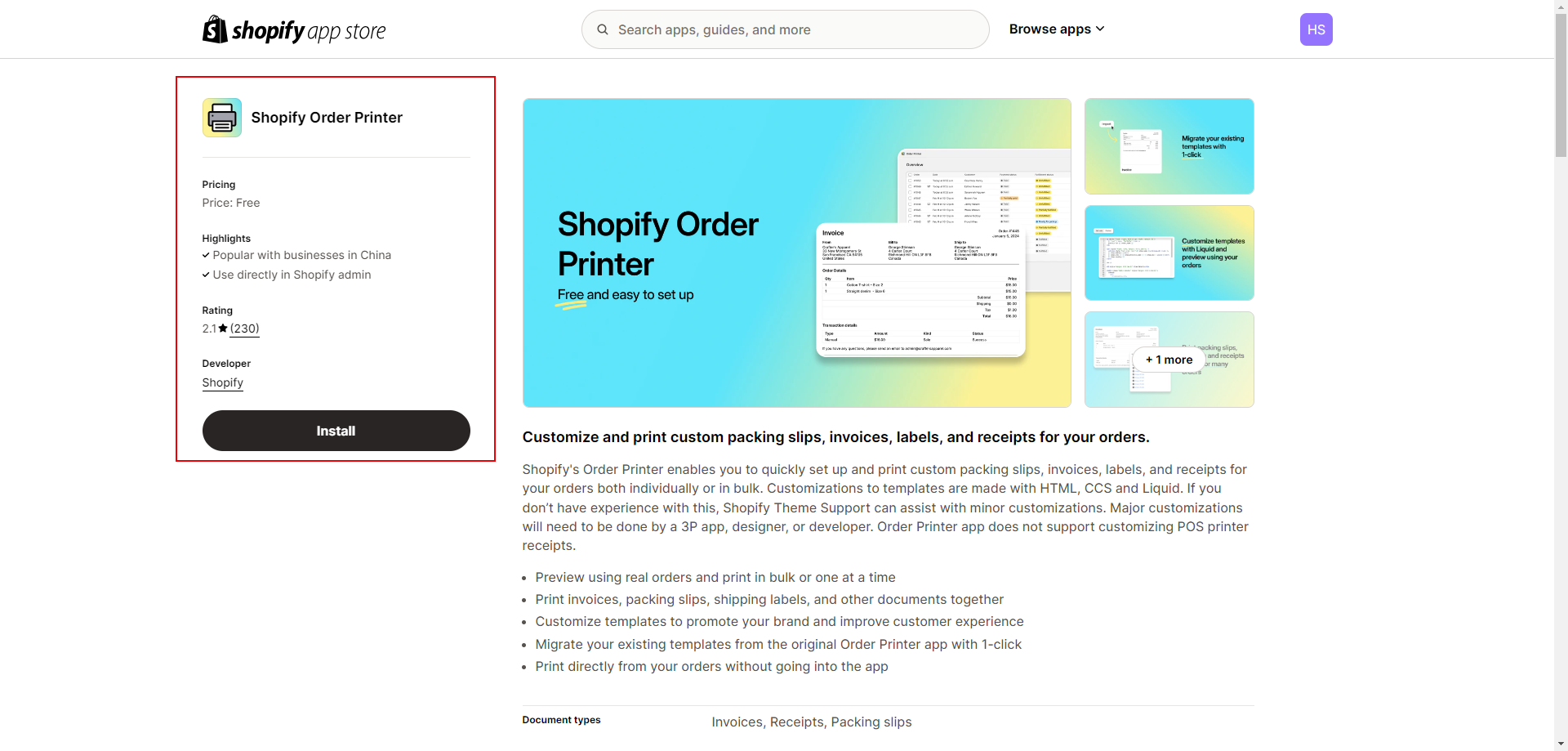
1. Please download the Order Printer application from the app store.
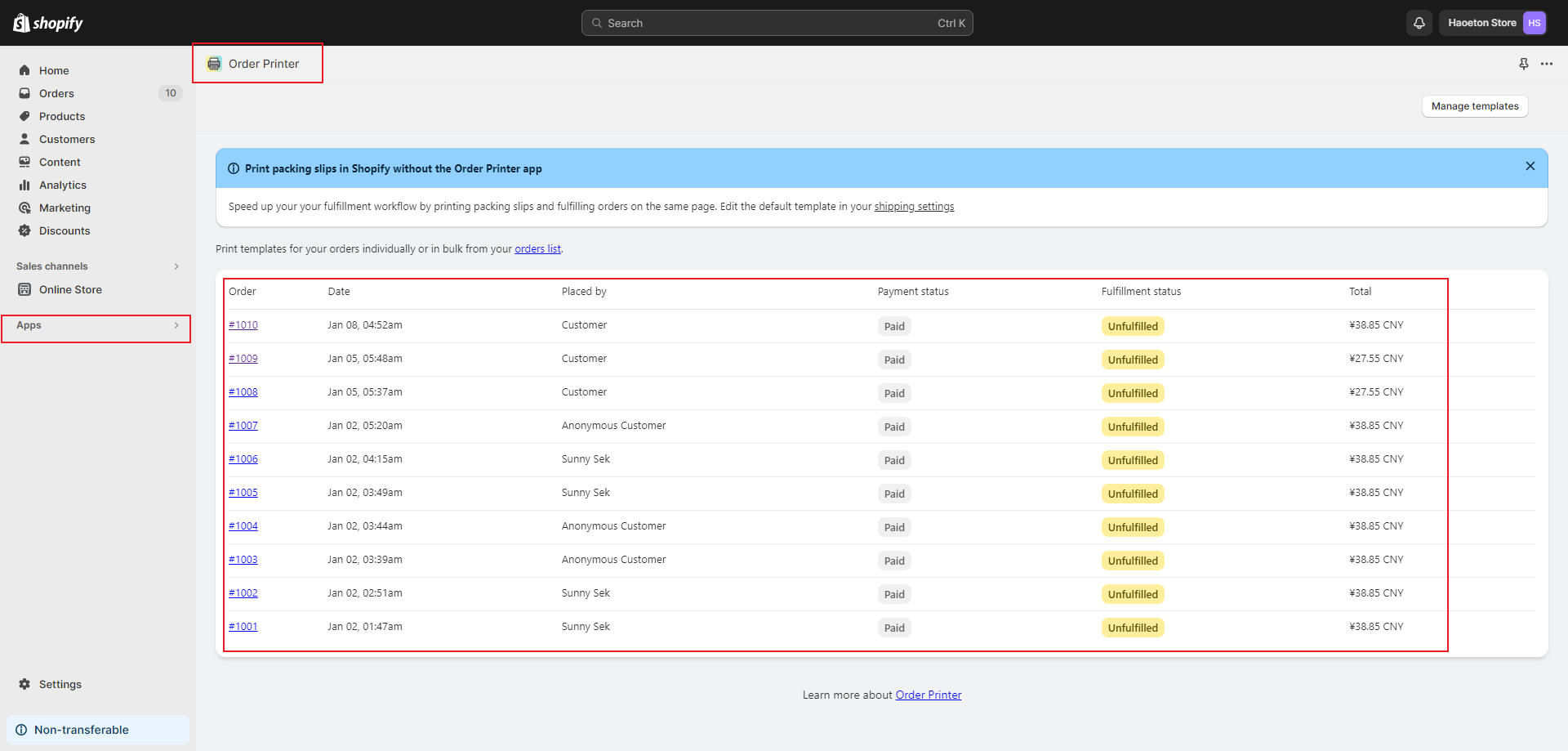
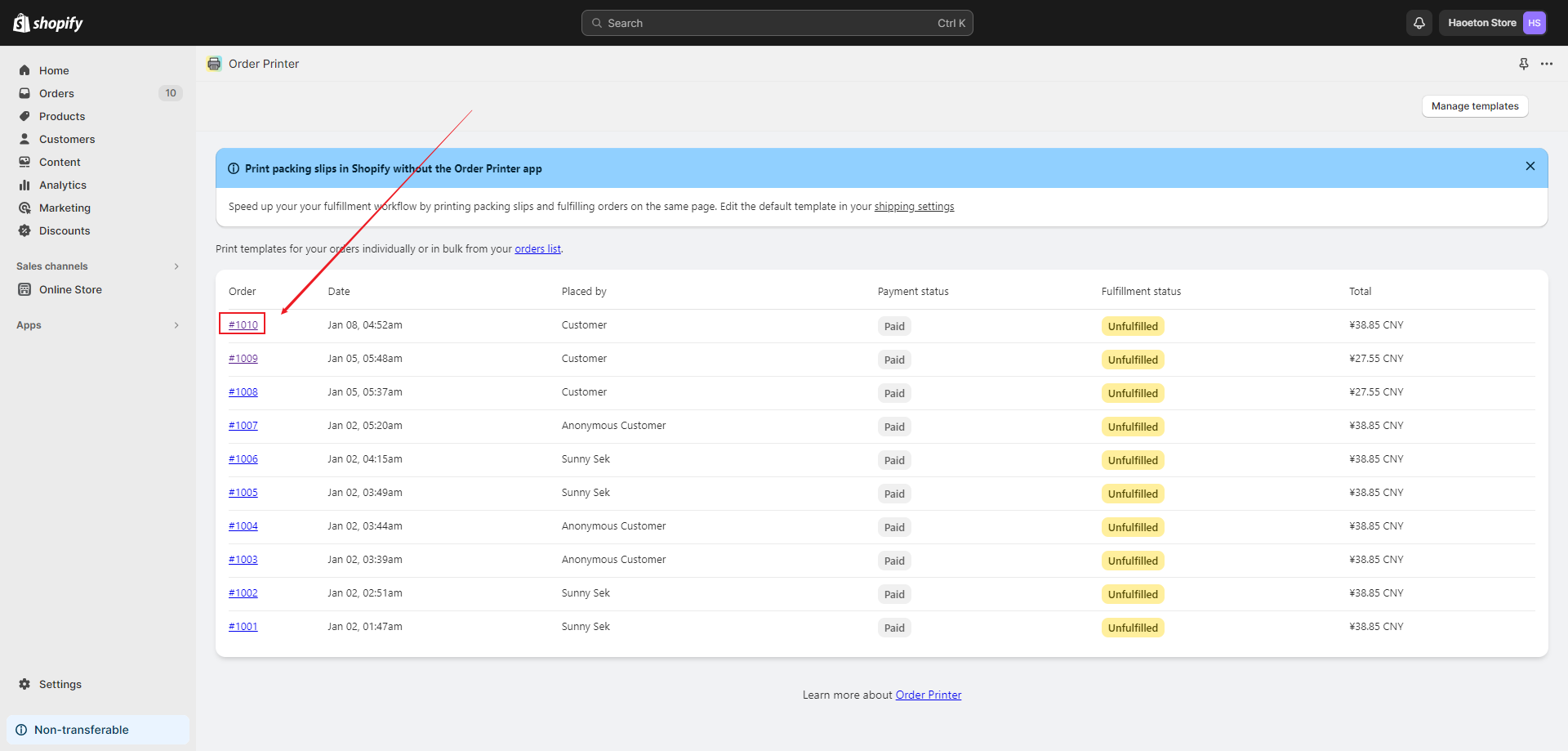
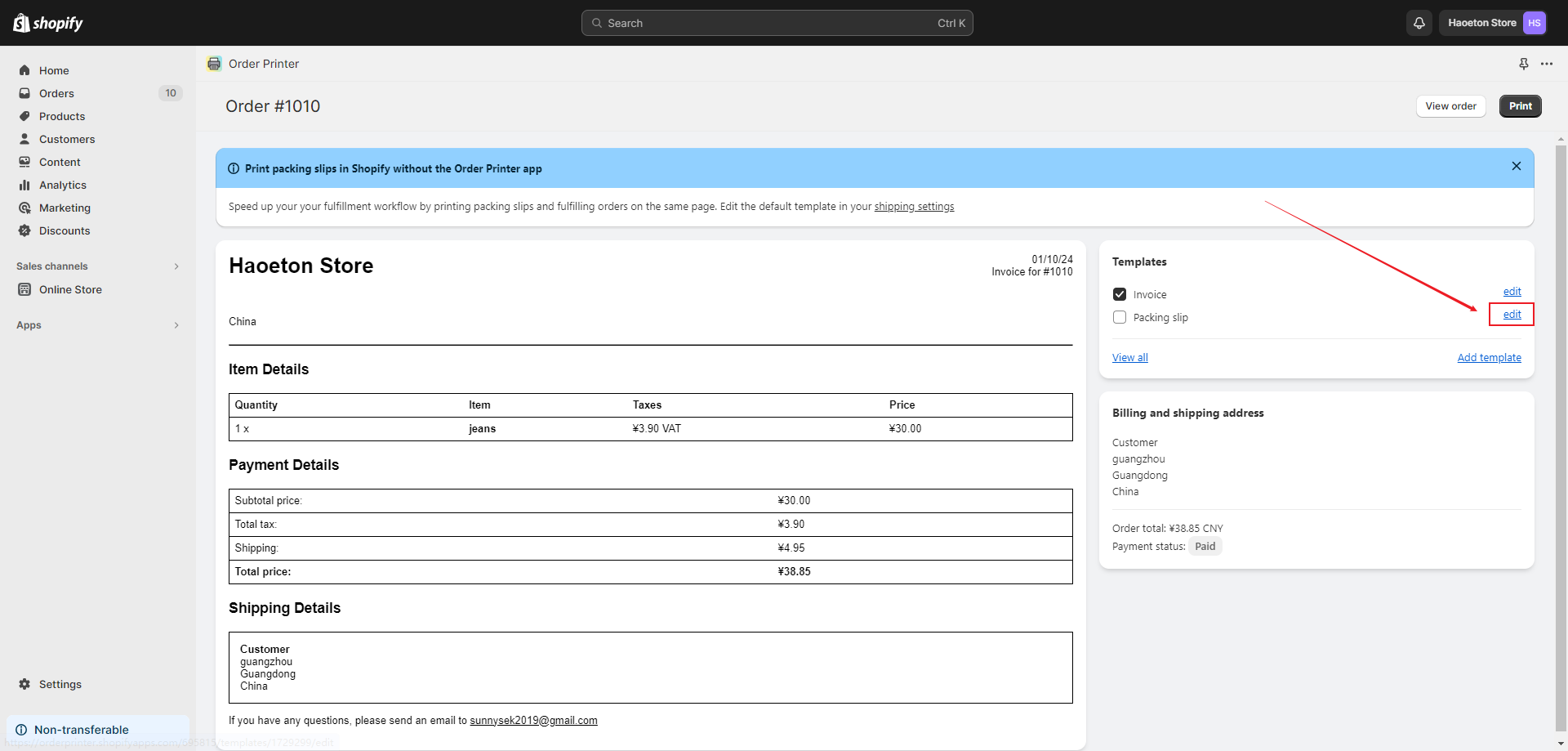
2. Open the Order Printer, and then you will be able to see your list of orders. Click on the order number of the order you need to print to enter the order editing page.
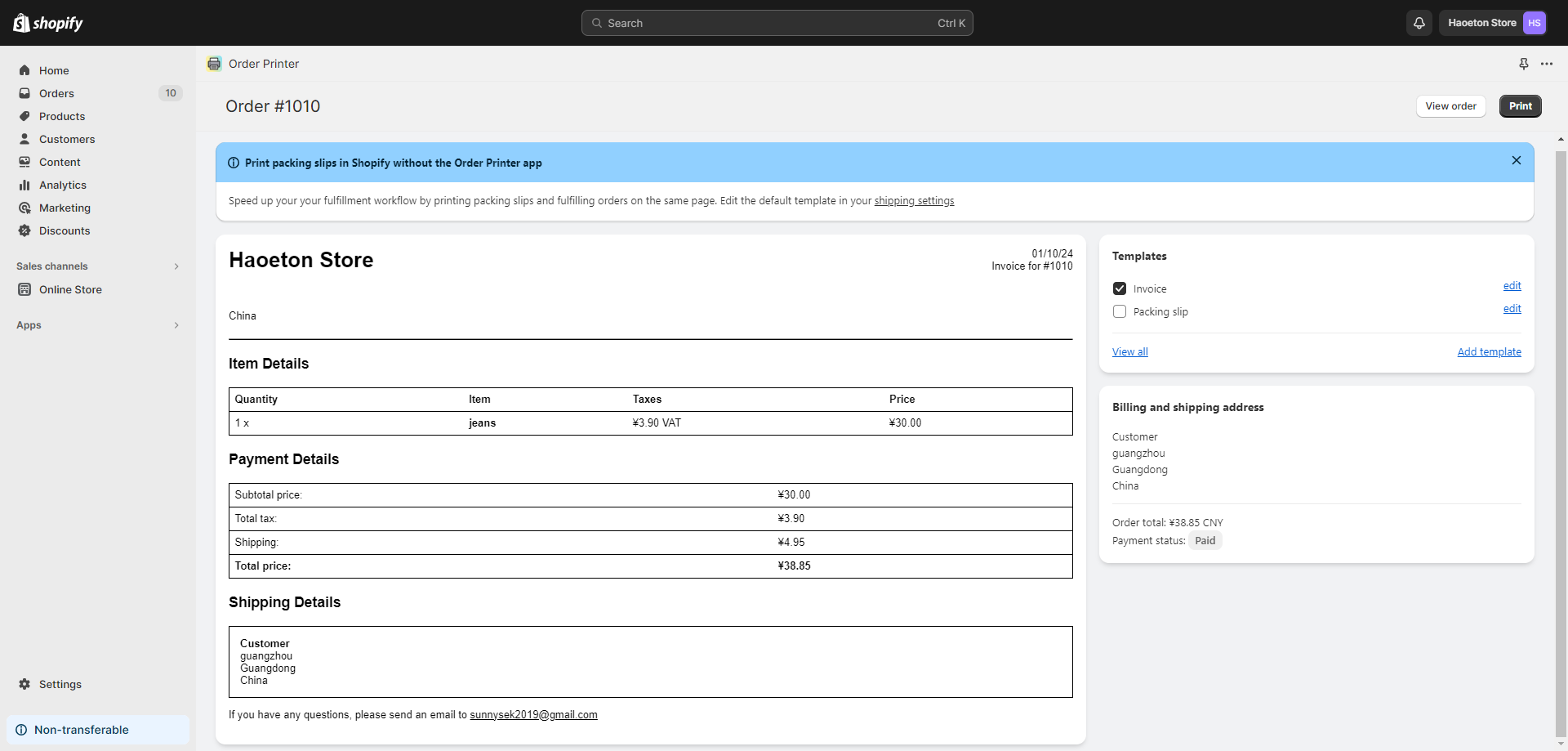
3. Click the Edit button on the right side of the Packing slip to enter the editing page.
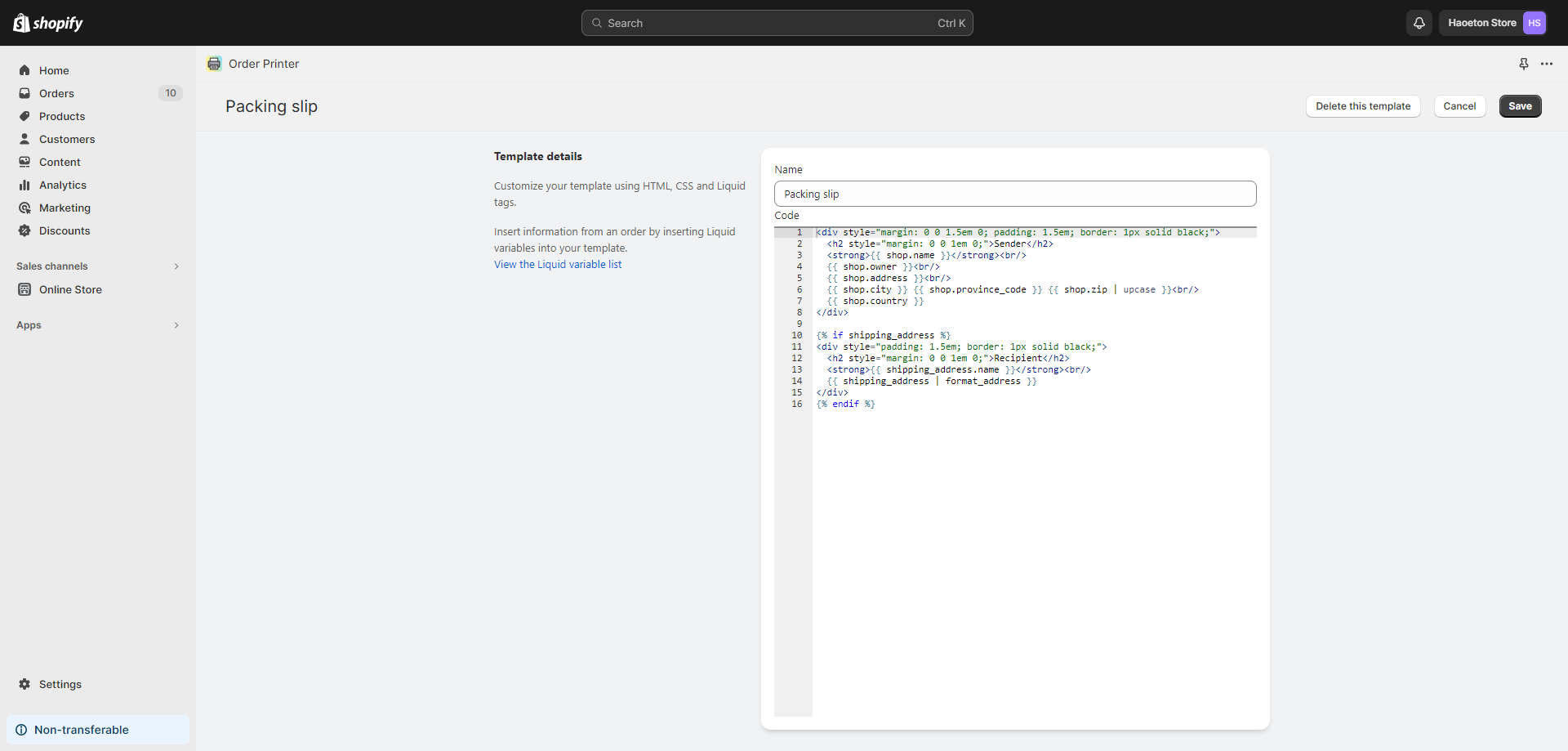
4. Add the following code below the original code. Click "Save".
<div style="padding: 1.5em; border: 1px solid black;">
<h2 style="margin: 0 0 1em 0;">Additional Information</h2>
<div>
{% for attribute in order.attributes %} {{ attribute | first }}: {{ attribute | last }} <br/>{% endfor %}
</div>
</div>
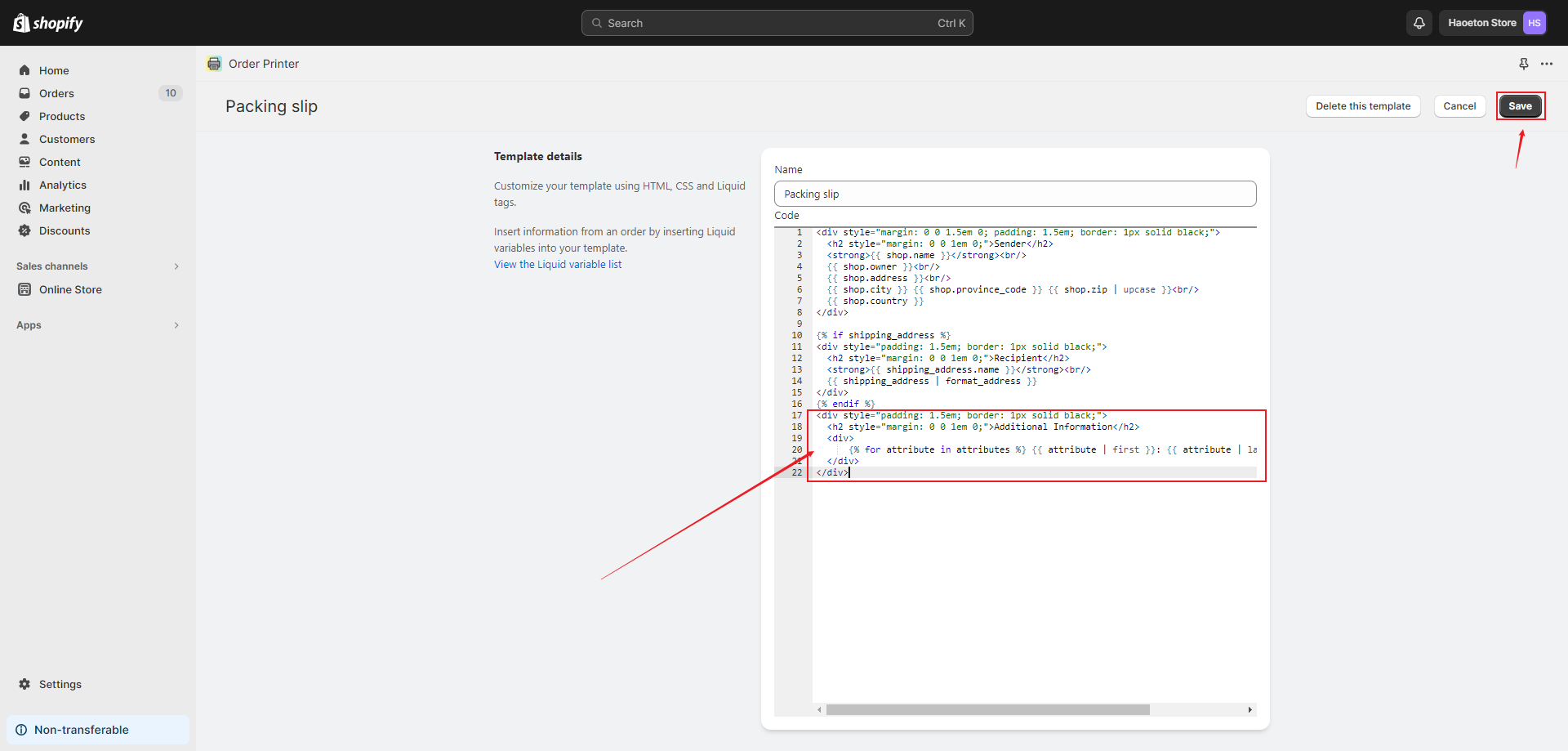
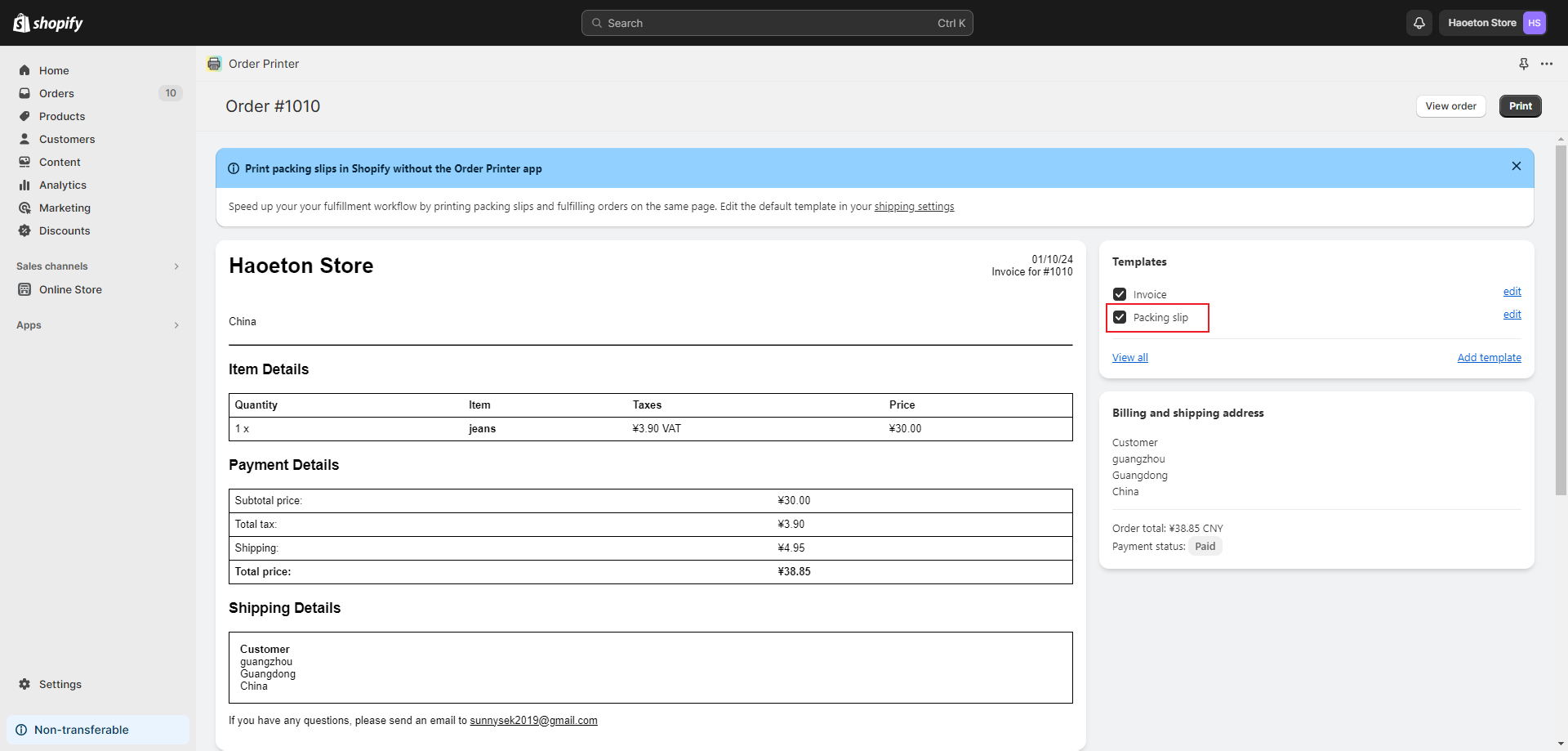
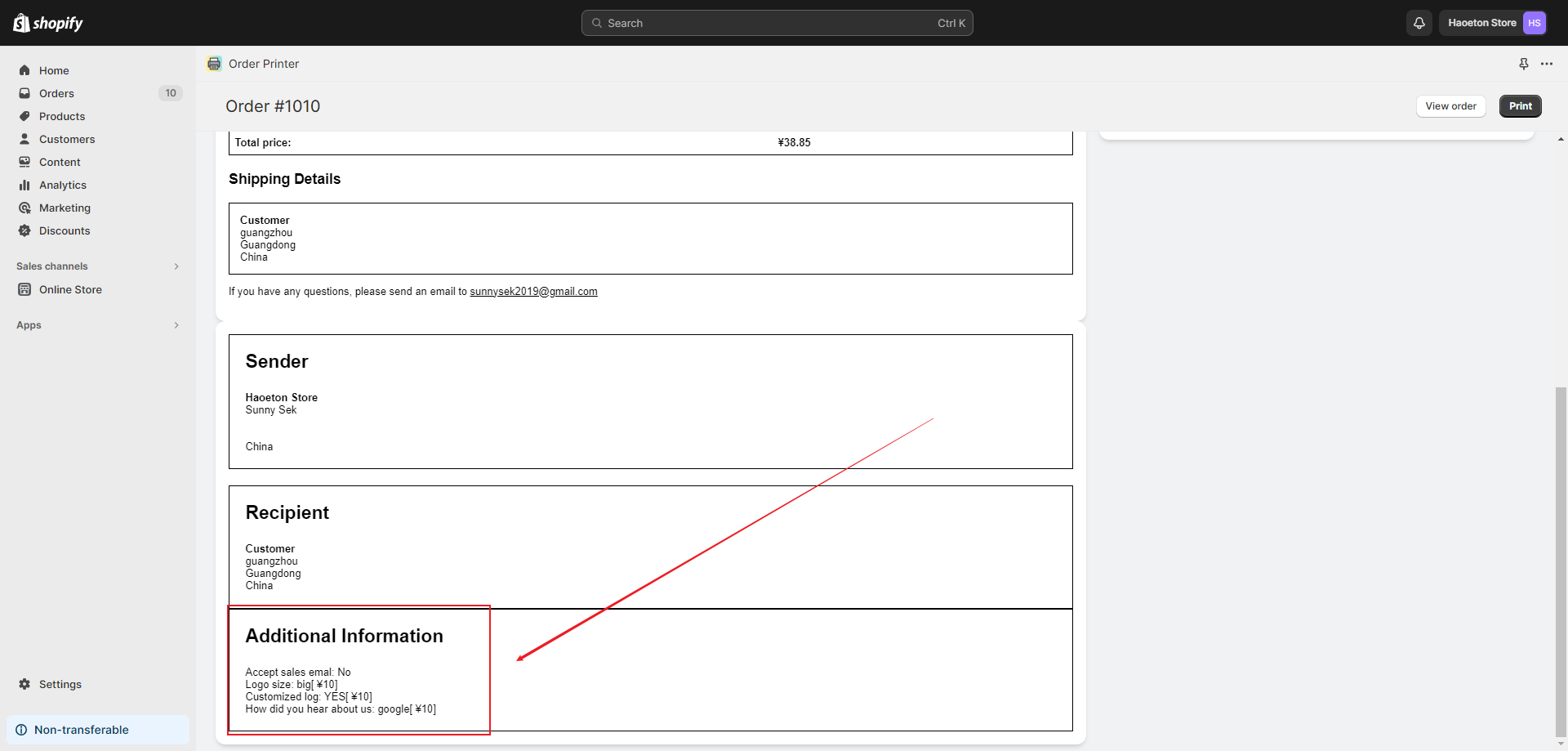
5. Check the "Packing slip" option, and the shopping cart attributes will be displayed in the order printing template.
If any problem, feel free to contact us for support directly.