
Enable customers to quickly find products that can be used with a discount code.
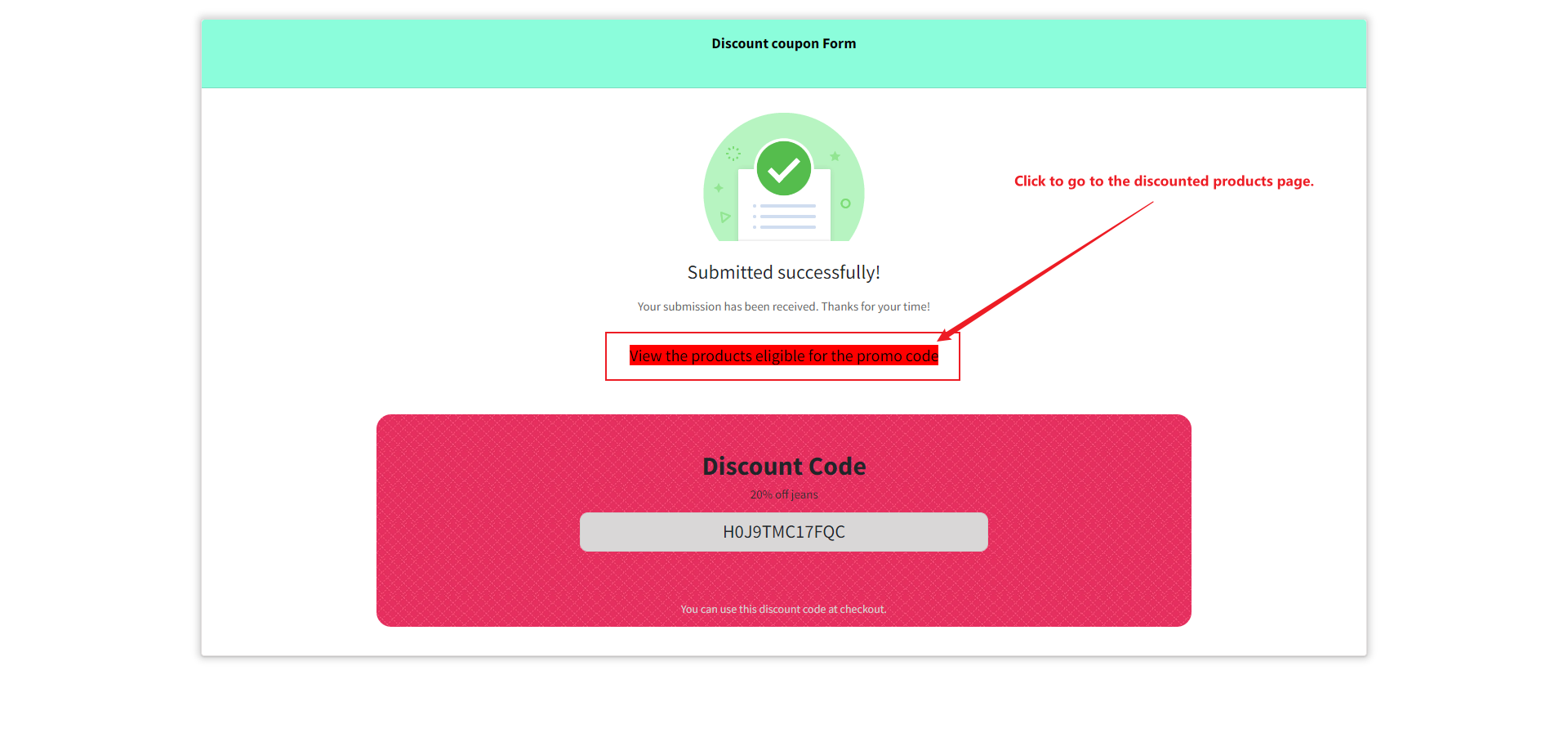
You can add guiding information on the Successful tip message page and link to the URL of your product that is eligible for using the discount code.
Step1: Set up your discount code information.
1. Open the form editing page.
2. Click on "Settings" to expand the "After Submitted" section.

3. In Action, select "Show a discount code & successful message". Then you need to fill in the Discount code, Title, and Summary. After completion, please click save.

Step2: To add the URL of the product to the Successful tip message page.
1. Click on "Settings" and expand "Custom Message".
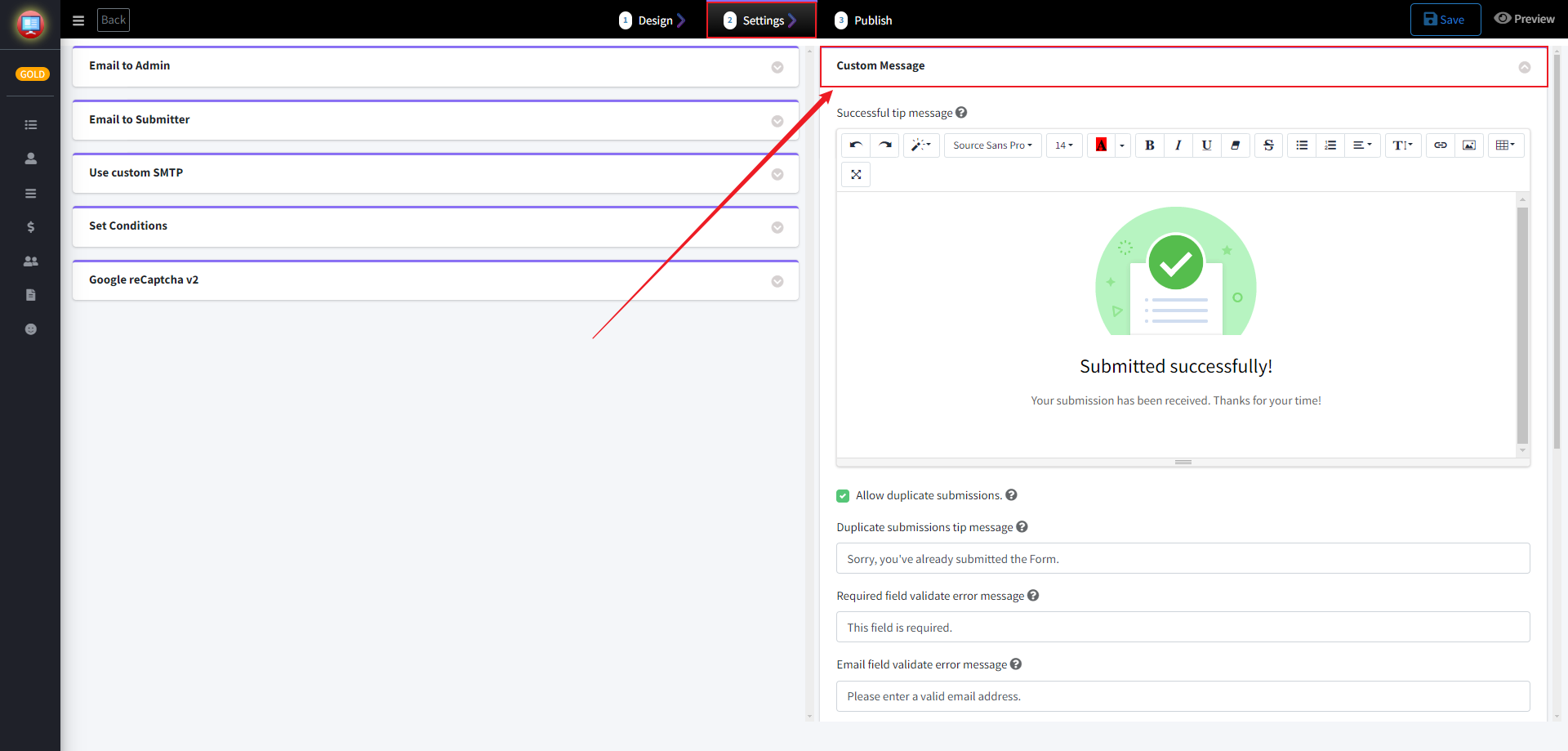
2. Add some tips in the Successful tip message.
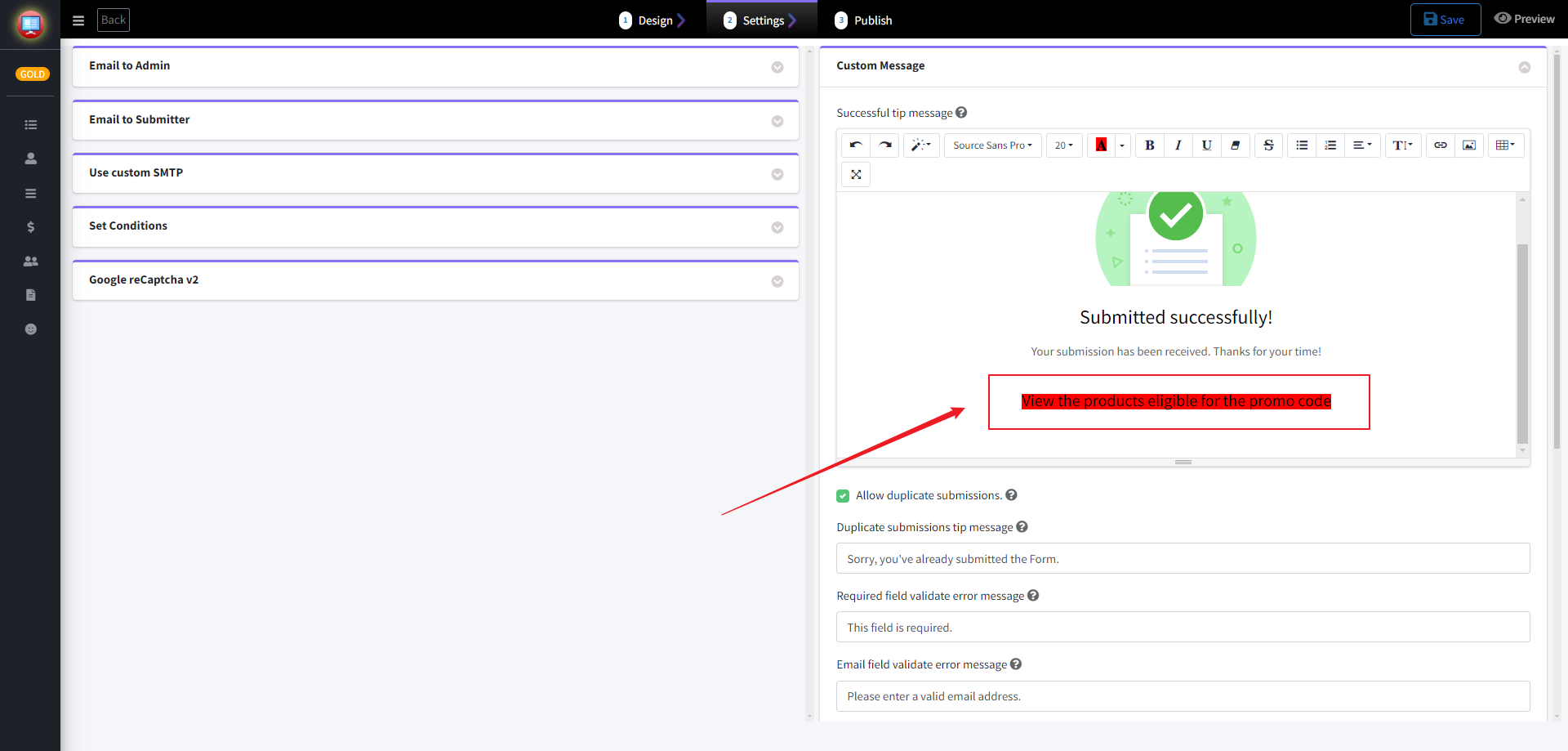
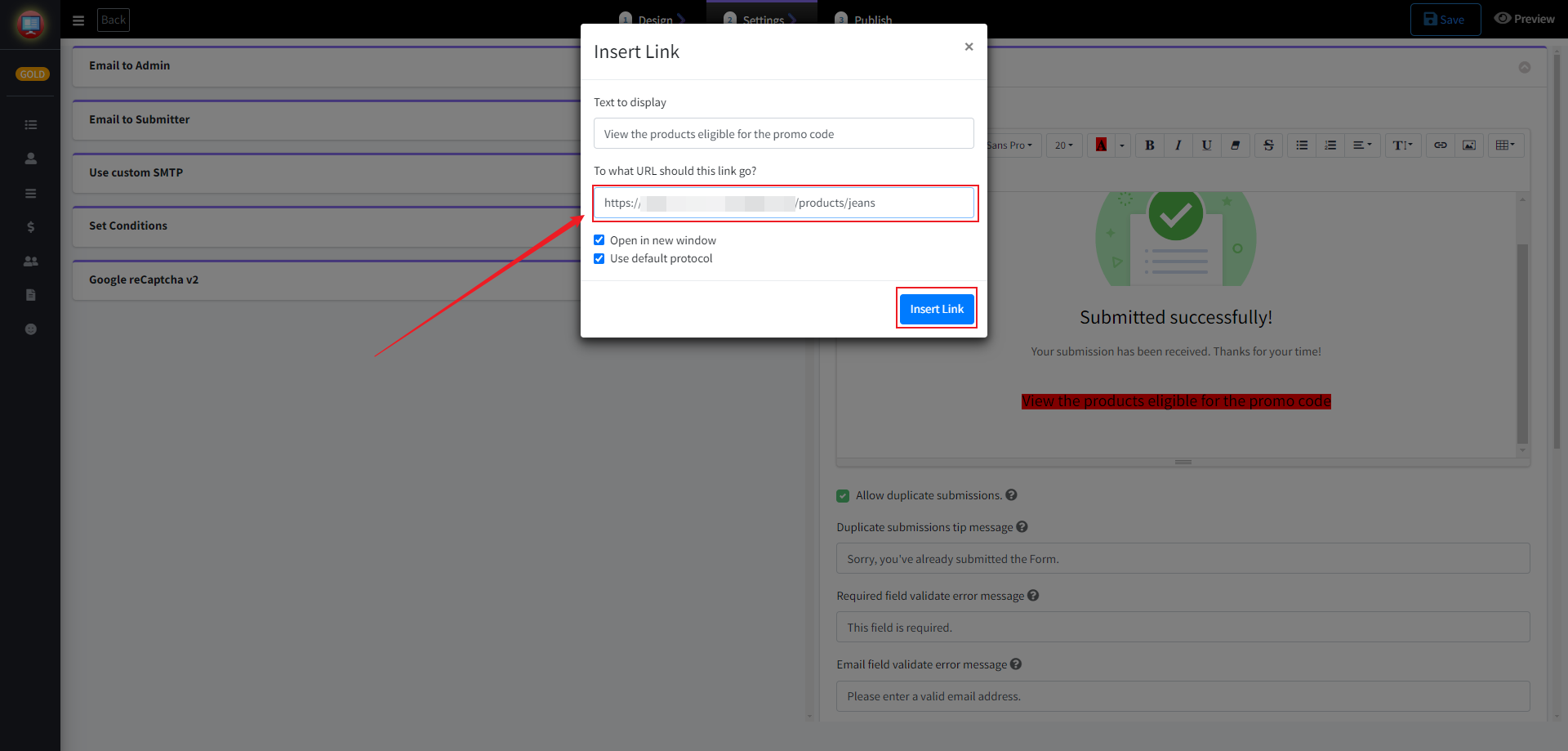
3. Select the prompt message and then click "Link".
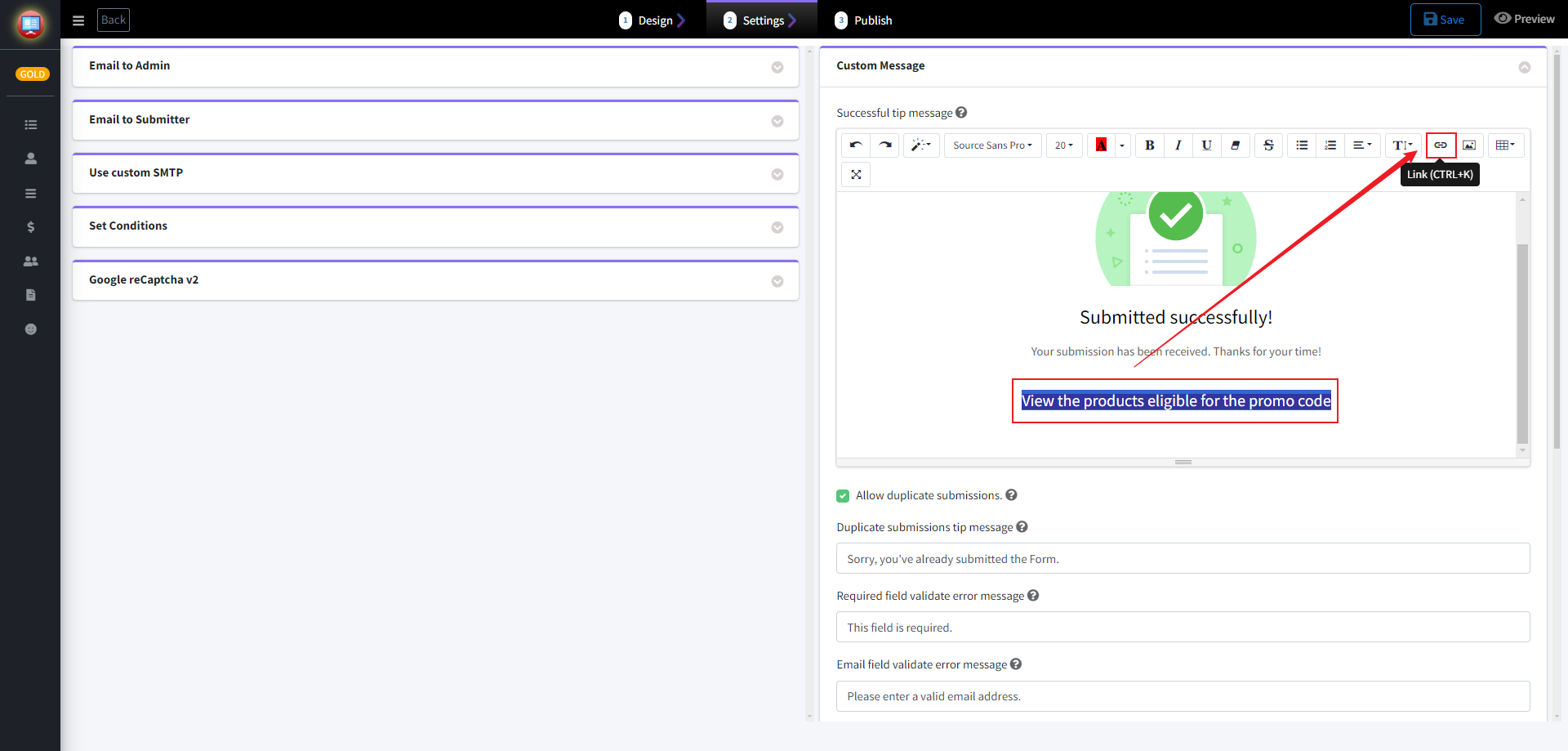
4. Fill in the URL of your discounted product. Then click on "Insert Link". After completion, please click save.
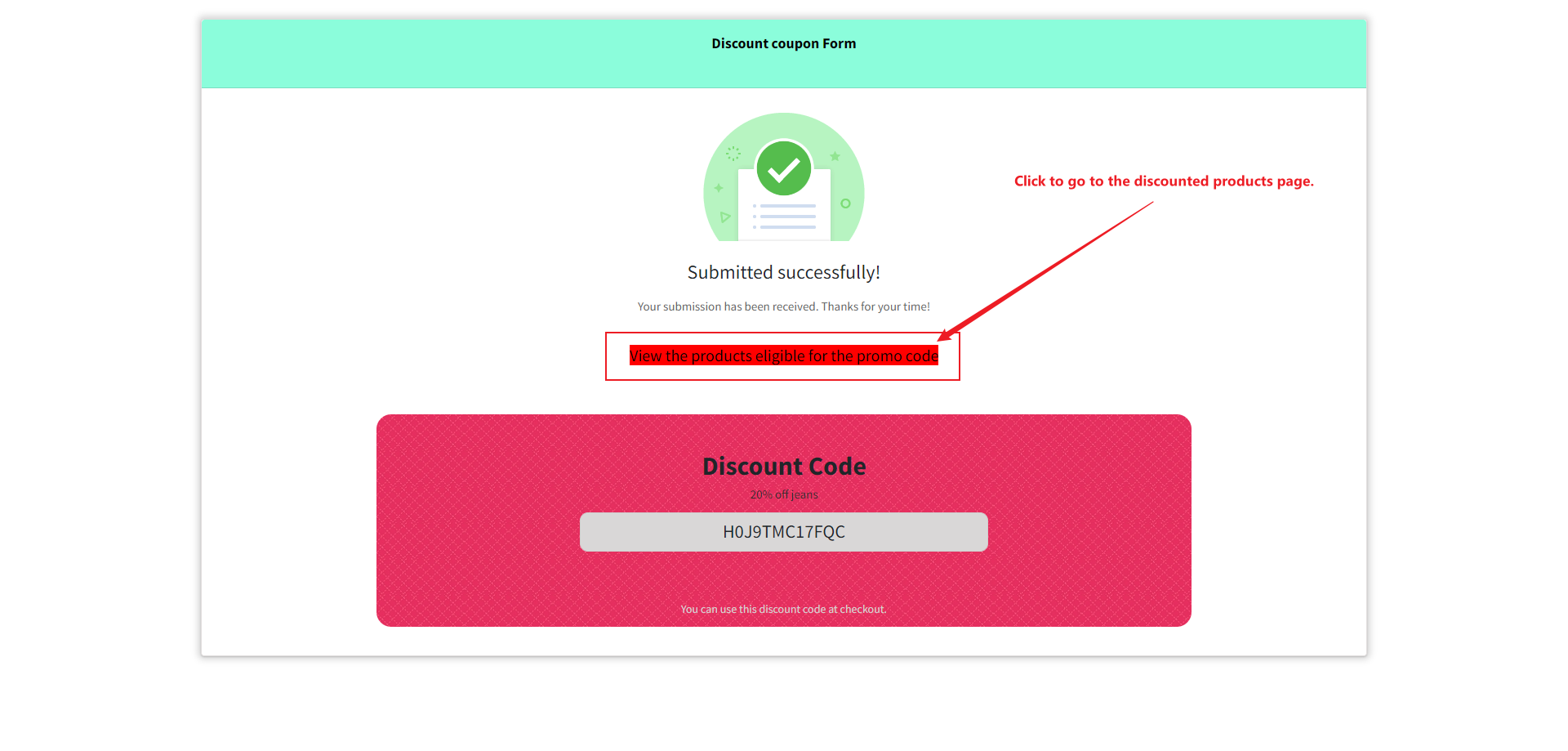
Click on the tip message on the Successful tip message page to be redirected to the discount product page.
If any problem, feel free to contact us for support directly.