
How to set up Google reCaptcha v2?
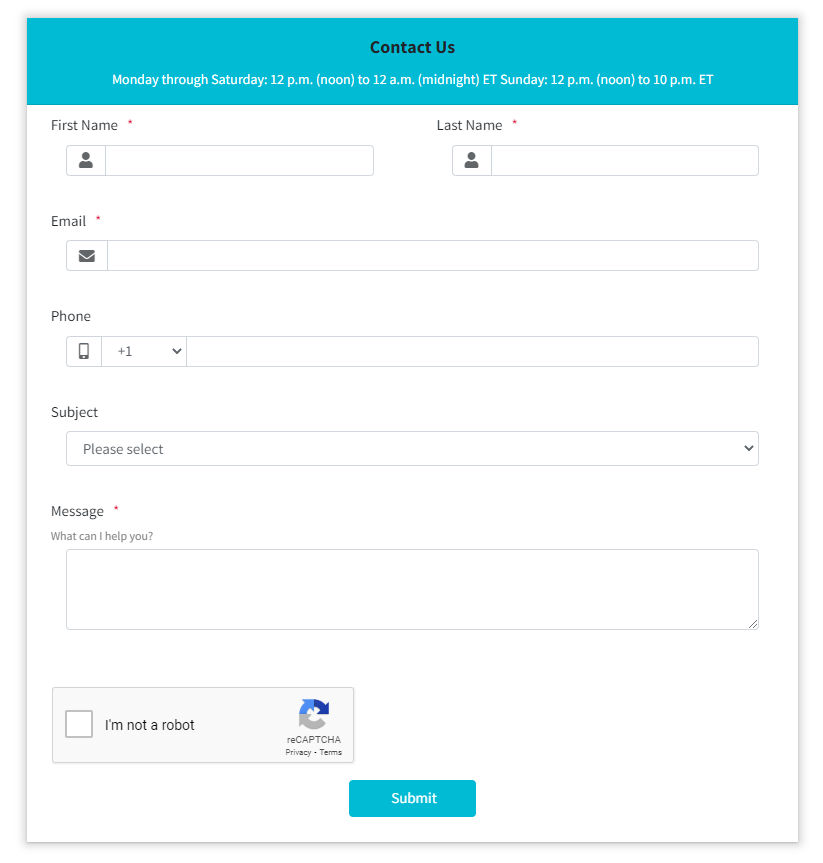
If you want to prevent bots from summiting forms, Google reCaptcha v2 can help you solve it. How to enable Google reCaptcha v2?
1. Click “Settings” in the form editing page.
2. Tick "Enable reCaptcha" option.

3. Enter "Site key" and "Secret Key". Please check:
"How to get Google reCaptcha v2 Site Key and Secret Key".
4. Completed! You have configured the Google reCaptcha setting.
If any problem, feel free to contact us for support directly.